How to make a gallery wall you can change anytime
Put up the BaseTiles once in the layout you want, then snap art onto them. To refresh the wall, swap the ArtTiles; the layout stays exactly where it is.
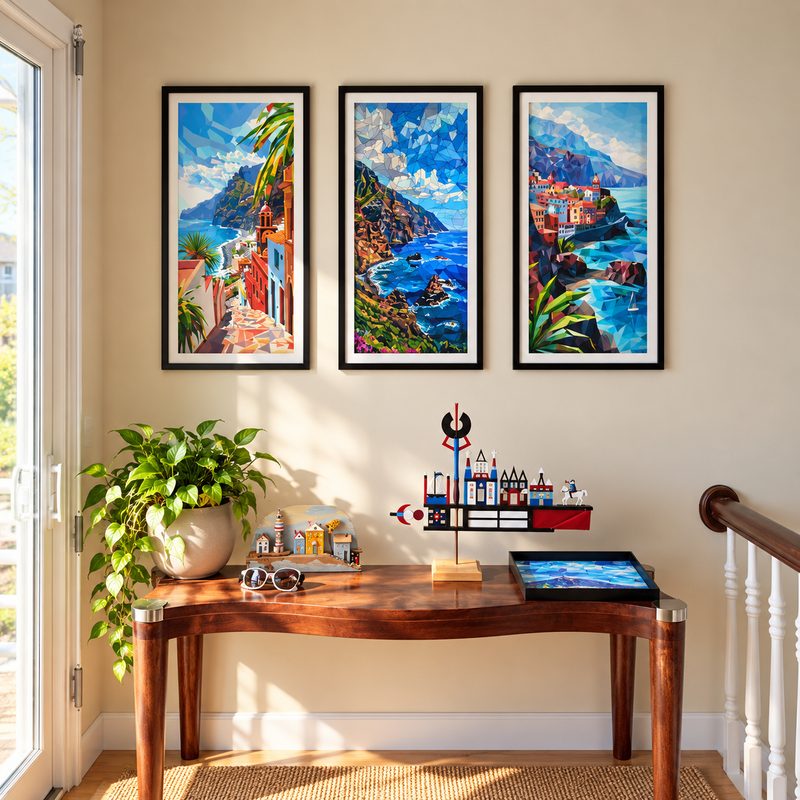
Plan the layout
- Decide the overall shape: a tight grid, a single row, or a mixed cluster.
- Pick sizes that work together, for example all squares for a grid, or mixed portrait and landscape for a cluster.
- Keep the gaps between pieces even. A level and a tape measure are all you need.
Install once
Stick each BaseTile with the included level and squeegee, starting from the center piece and working outward.
Change it whenever you like
Seasonal colors, new photos, a different mood: lift the old ArtTiles off and snap new ones on in the same sizes. Every ArtTile you take down stays yours to swap back later.
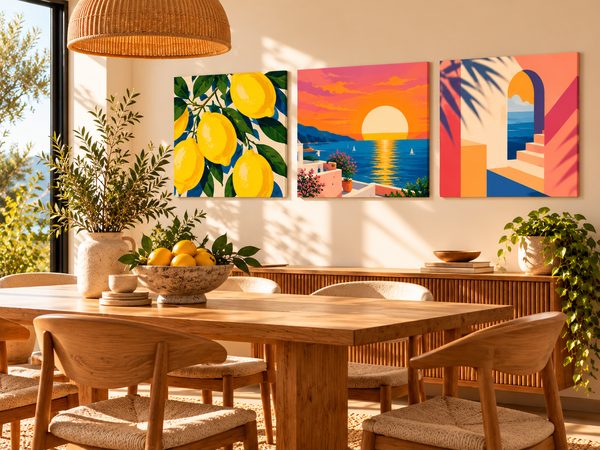
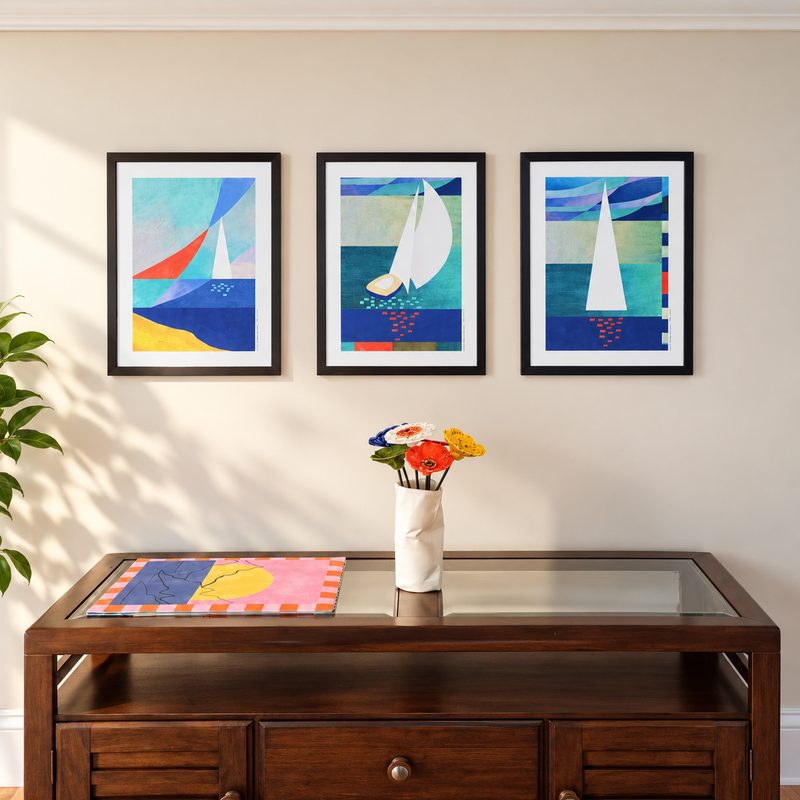
Common questions
Do I need a new BaseTile every time I change the art?
No. BaseTiles are a one-time purchase per spot. New art in the same size goes straight onto the BaseTile already on the wall.
Can I mix my own photos with art?
Yes. PhotoTiles from your own photos and ArtTiles use the same BaseTiles, so you can mix them in one wall.
How should I store the pieces I’m not using?
Flat, in a drawer or any clean, dry place.
Updated 2026-10-05