How to turn photos from your phone into wall art
Upload the photo at onofftiles.com/upload, choose a size, frame and border, and it is printed as a PhotoTile that snaps onto a magnetic BaseTile. iPhone HEIC files work as they are, and the page warns you if a photo is too small to print well at the size you picked.
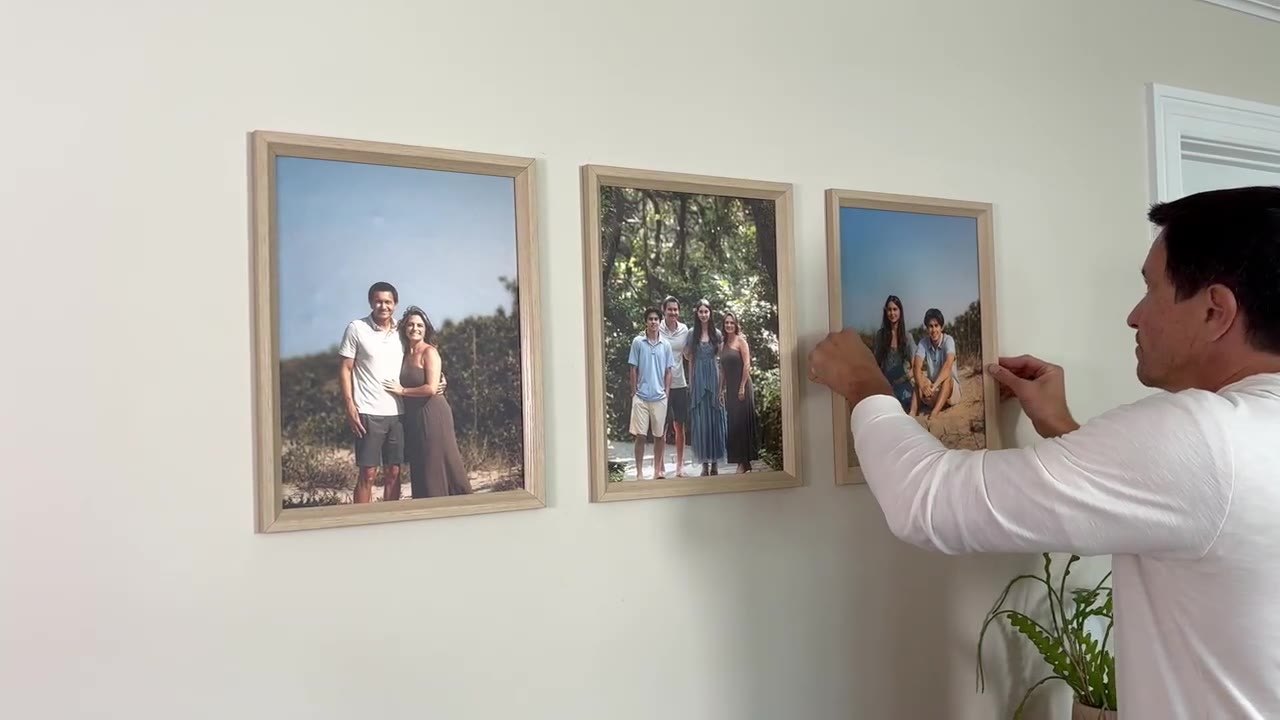
Step by step
- Open onofftiles.com/upload on your phone or computer.
- Add one photo or several at once. JPEG, PNG, WebP and HEIC are accepted, up to 250 MB each.
- Pick a size, and a frame and border if you want them, for each photo.
- Check the print-size warning: if a photo is too small for the size you chose, pick a smaller size or a sharper photo.
- Order with a BaseTile for each new spot on the wall, or without one if you already have a BaseTile in that size.
Getting the best print
Use the original photo rather than a screenshot or a photo sent through a messaging app, which are often shrunk. Bright, sharp photos print best.
Common questions
Can I return a PhotoTile?
PhotoTiles are printed just for you, so they are not returnable for a change of mind, but talk to us anyway. Anything that arrives damaged or faulty is replaced or refunded.
Can I mix PhotoTiles with ArtTiles?
Yes. They use the same BaseTiles and swap the same way.
Do PhotoTiles cost more than ArtTiles?
No. PhotoTiles are priced the same as ArtTiles in the same size.
Updated 2026-10-05